When I first started using AI seriously for work, I built up context in ChatGPT. Months of conversations, preferences, project details, business context. The AI knew my writing style, my business structure, my communication preferences, my ongoing projects. It was useful. Then I tried to move.
The export function didn’t work. I requested an export of my chat history and the email with the download link never arrived. So I tried the manual approach: “What do you know about me?” The output was a high-level summary that missed most of the intricate details that actually made the AI useful. It knew I was an entrepreneur in Dubai. It didn’t know the specific workflows, the project naming conventions, the decision frameworks we’d refined together over months. The useful stuff, the operational specifics, was lost.
Then I started using Claude, Gemini, and specialized tools for different tasks. Each one needed the same context. So I found myself copy-pasting. Here’s my background, here’s what I’m working on, here are my preferences. Every time I switched tools. Every time I started a new conversation. The same wall of context, re-entered manually, incomplete every time because I’d forget something that was obvious in the previous tool’s context but invisible in the new one.
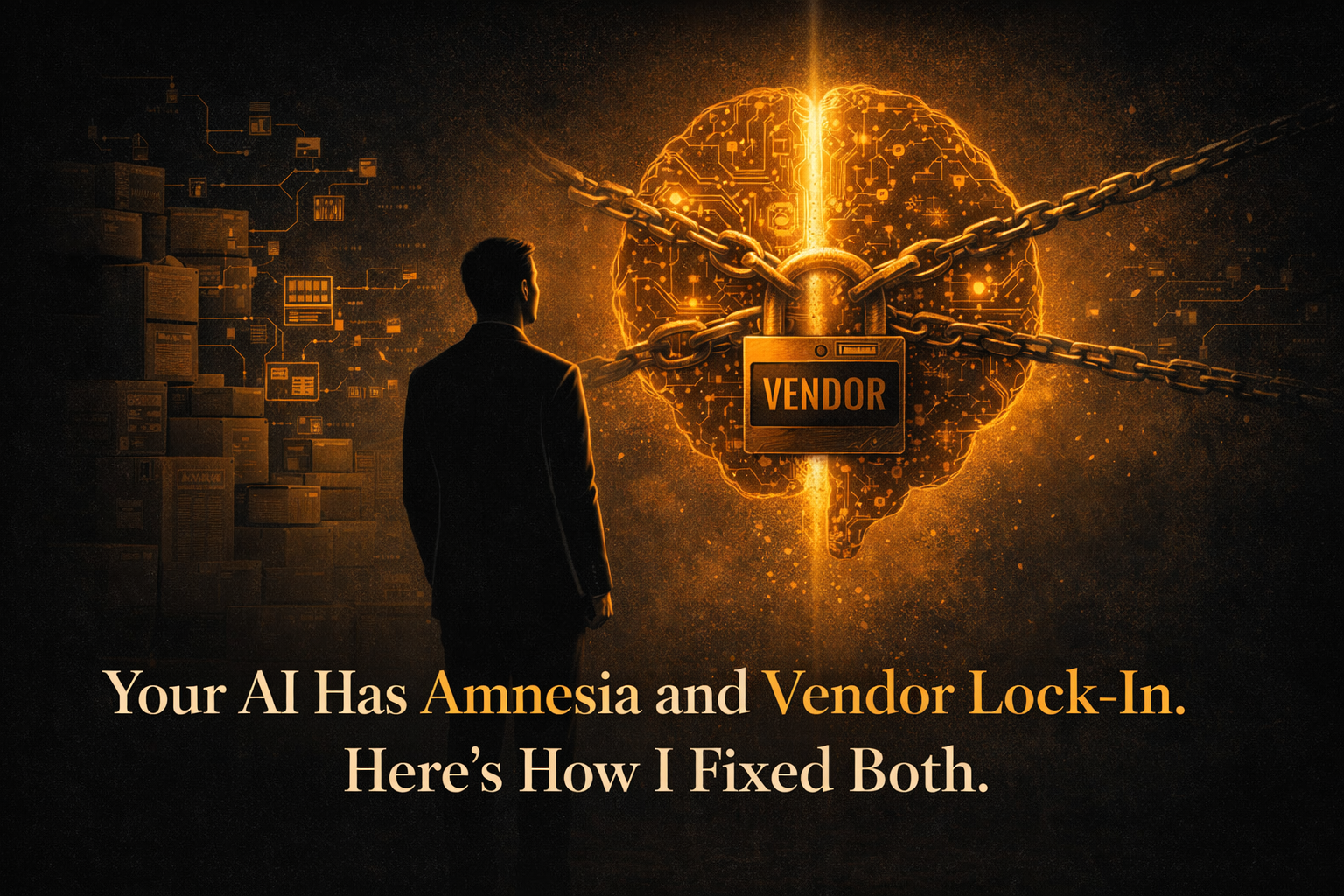
That’s when I realized the problem wasn’t the tools. The problem was where the context lived. It lived inside the tools. Locked in. Opaque. Incomplete when exported. Invisible when switching. I was renting my context from each platform instead of owning it.
The fix was embarrassingly simple. Markdown files.
Every AI session now produces .md files as output. Not conversations. Files. If we’re making decisions, the decision log is a file. If we’re researching, the summary is a file. If we’re drafting, the draft is a file. If we’re planning, the plan is a file. Everything that matters gets written to a file that lives on my machine, in my project folders, under my control.
These files become portable context. Starting a new conversation in Claude? I share the relevant .md files. Need to use ChatGPT for something it handles better? Same files. Trying Gemini for a different perspective? Feed it the files. The context moves with me because I own it. It’s not trapped in any platform’s memory feature.
I enforced this through a global instruction in my AI settings. Every tool I use has a version of this rule: “Write all significant outputs to .md files. Decisions, research, analysis, drafts, meeting notes, everything. The files are the deliverables, not the conversation.” This instruction lives in my Cowork settings, in my Claude Projects, and in the system prompts I use with other tools. It’s non-negotiable.
Let me address the obvious question: aren’t AI memory features solving this? Claude has memory. ChatGPT has memory. Gemini has memory. And yes, they’re useful. But they have three fundamental limitations that file-based memory doesn’t.
First, they’re platform-locked. Claude’s memory doesn’t transfer to ChatGPT. ChatGPT’s memory doesn’t transfer to Claude. You’re locked into whatever platform holds your accumulated context, which creates exactly the kind of vendor dependency that makes switching costly. That’s good for the platform. It’s bad for you.
Second, they’re opaque. You can’t see exactly what the AI has stored, how it’s interpreting it, or whether it’s accurate. You can ask, but the answers are summaries of summaries. The intricate details, the specific workflows, the exact terminology your brand uses, that granularity gets compressed into generalized memory that produces generalized output.
Third, they’re out of your control. You can’t edit them precisely. You can’t organize them by project. You can’t share a specific subset with a collaborator. You can’t version-control them. You can’t back them up independently of the platform. They’re a convenience feature, not a system.
File-based memory is all of those things. It’s explicit: you can see exactly what’s stored. It’s portable: .md files work everywhere. It’s controllable: organize by project, edit directly, share selectively. It’s yours: backed up on your machine, version-controlled if you want, independent of any platform’s survival.
The practical impact compounds over time. After months of this system, my project folders contain rich operational context that any AI can leverage. When I move a workflow from one tool to another (which happens more often than you’d think in AI, where the churn rate is high and new releases can make your favorite tool obsolete), the transition is seamless because the context travels with the files, not with the platform.
I use .md specifically because it’s the fastest, lightest format. No binary file overhead. No formatting dependencies. Opens in Sublime Text, Notepad, any editor. Every AI tool can read it natively. It’s the universal language of text, and that universality is the point.
The broader principle: own the ground, don’t rent it. AI tools will come and go. New ones will launch, old ones will change, your favorite might pivot in a direction that doesn’t serve you. The skills you build in prompt engineering and workflow design transfer across tools. And so does your context, if you store it in files instead of trusting it to platform memory.